Budget-Friendly Serialization & Deserialization
Choosing the wrong serialization & deserialization technology inexperienced devs tell you about will only bring you pain
Practical articles on CPU, GPU, memory and engineering process optimization.
Choosing the wrong serialization & deserialization technology inexperienced devs tell you about will only bring you pain
Motion vectors are the difference between cheap upscaling and ghosting soup. Learn what they are, how Unity generates them, how to debug them (Frame Debugger, RenderDoc, Rendering Debugger), and how Camera Motion Only vs Per Object affects both quality and cost. Full members-only module below.
Application SpaceWarp can double your Quest frame budget (pay 60, display 120), but it will punish motion-vector gaps and transparency fast. This module shows the setup, how to prove it is working, and the failure cases before you bet your build.
XR composition layers are the VR comfort cheat: keep UI/video crisp while the scene is loading or downscaled. The members-only module shows overlays vs underlays, depth submission tradeoffs, and the Quest profiling steps you need before you ship this into a headset.
Exploit the right Render Mode tech for your Unity project
Your 350-boid prototype can be 35ms and still 'look fine'. That's how games die. This module walks GameObjects -> ECS -> Jobs + Burst -> spatial partitioning, and teaches the one metric that matters for scaling: total CPU time.
Serialization looks easy. Then you ship an update, change a data structure, and corrupt thousands of saves. This module gives you benchmarks + decision rules (time, GC allocs, size, migrations) so you pick the right format before it bites you.
Texture arrays are the forgotten tool: one texture object with many slices, switched by an index. Set Texture Shape = 2D Array, verify slices in RenderDoc, and sanity-check sample cost with Mali Offline Compiler. Full module + video is members-only below.
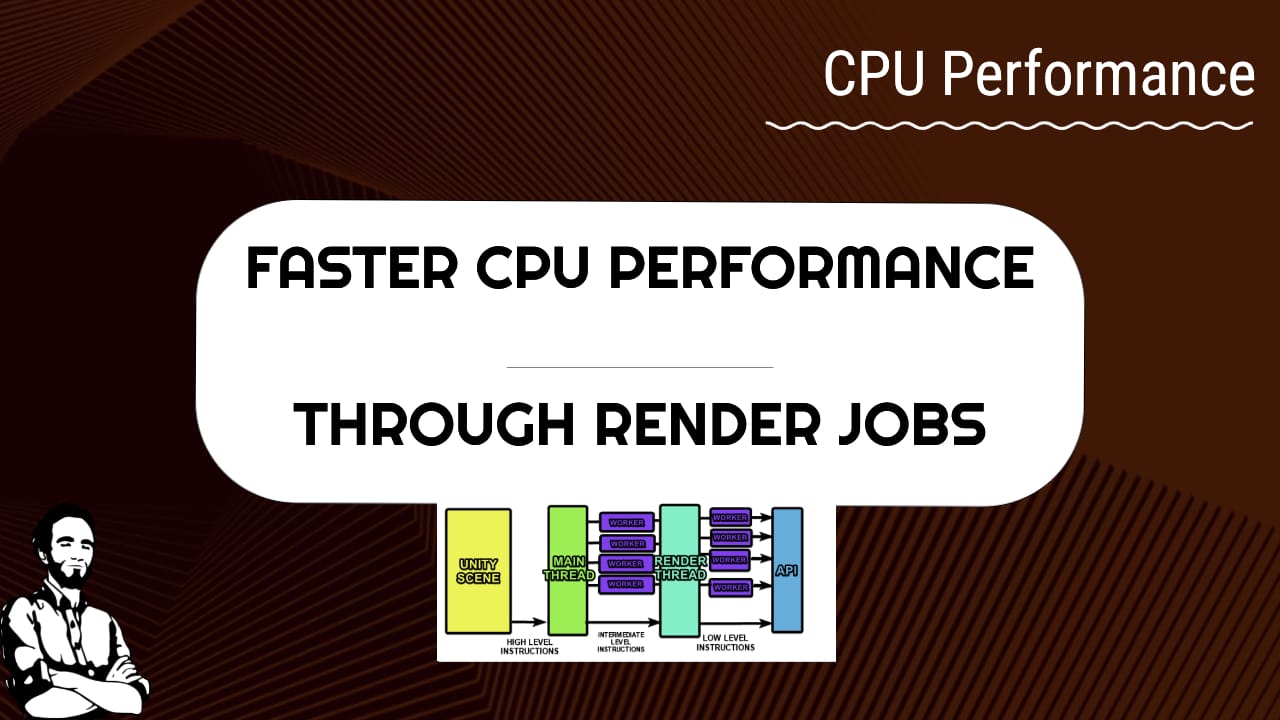
Rendering taking 40-50% on the Main Thread while worker threads idle? Not cool. Prove your render mode in Profiler + Player log, then enable Graphics Jobs (Native/Split) only when your target actually supports it.
These are the tools that help us daily in our game performance consulting practice
A no-BS stack to speed up your developer loop: Perplexity, ripgrep, T4 templates, Restic snapshots, WhisperX transcripts, Windmill automation, and remote hierarchy debugging for fast A/B performance signal.
BatchRendererGroup (BRG) is the stop-hoping-Unity-batches-it API. If you have repeated, static-like props and your render thread is paying for draw calls, this module shows the pattern: push data once, then drive visibility without exploding batches.