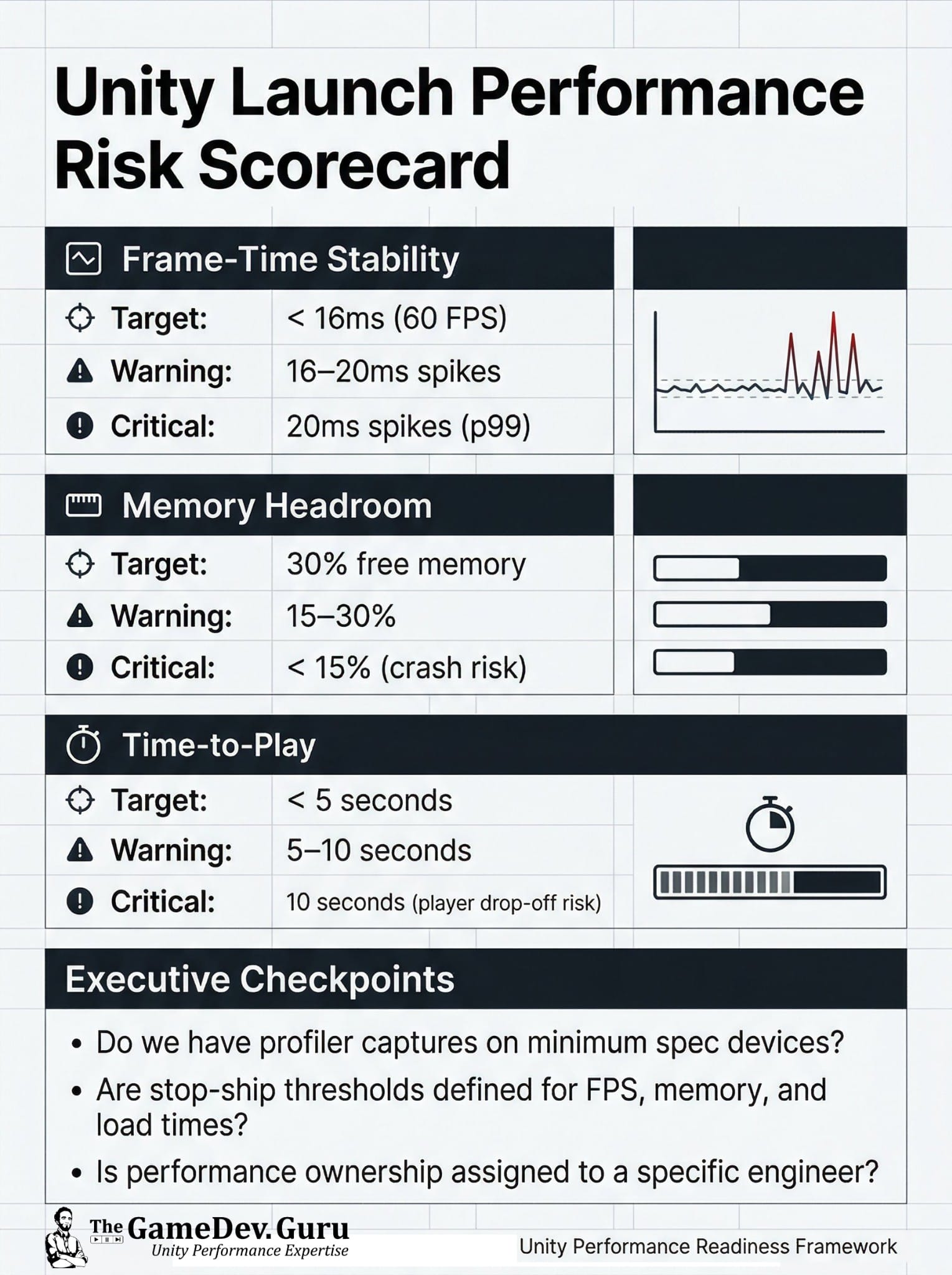
Unity Launch Performance Risk Scorecard
If your Unity build feels “mostly fine,” you might still be one spike away from a milestone slip. Here’s the launch risk scorecard I use to translate

Practical articles on CPU, GPU, memory and engineering process optimization.
If your Unity build feels “mostly fine,” you might still be one spike away from a milestone slip. Here’s the launch risk scorecard I use to translate

Agentic Optimization: You already know the pattern: profiler finds pain, the team patches random code, and frame time still looks like a heart attack. In this lesson, you move from agentic profiling into agentic optimization so you stop guessing.
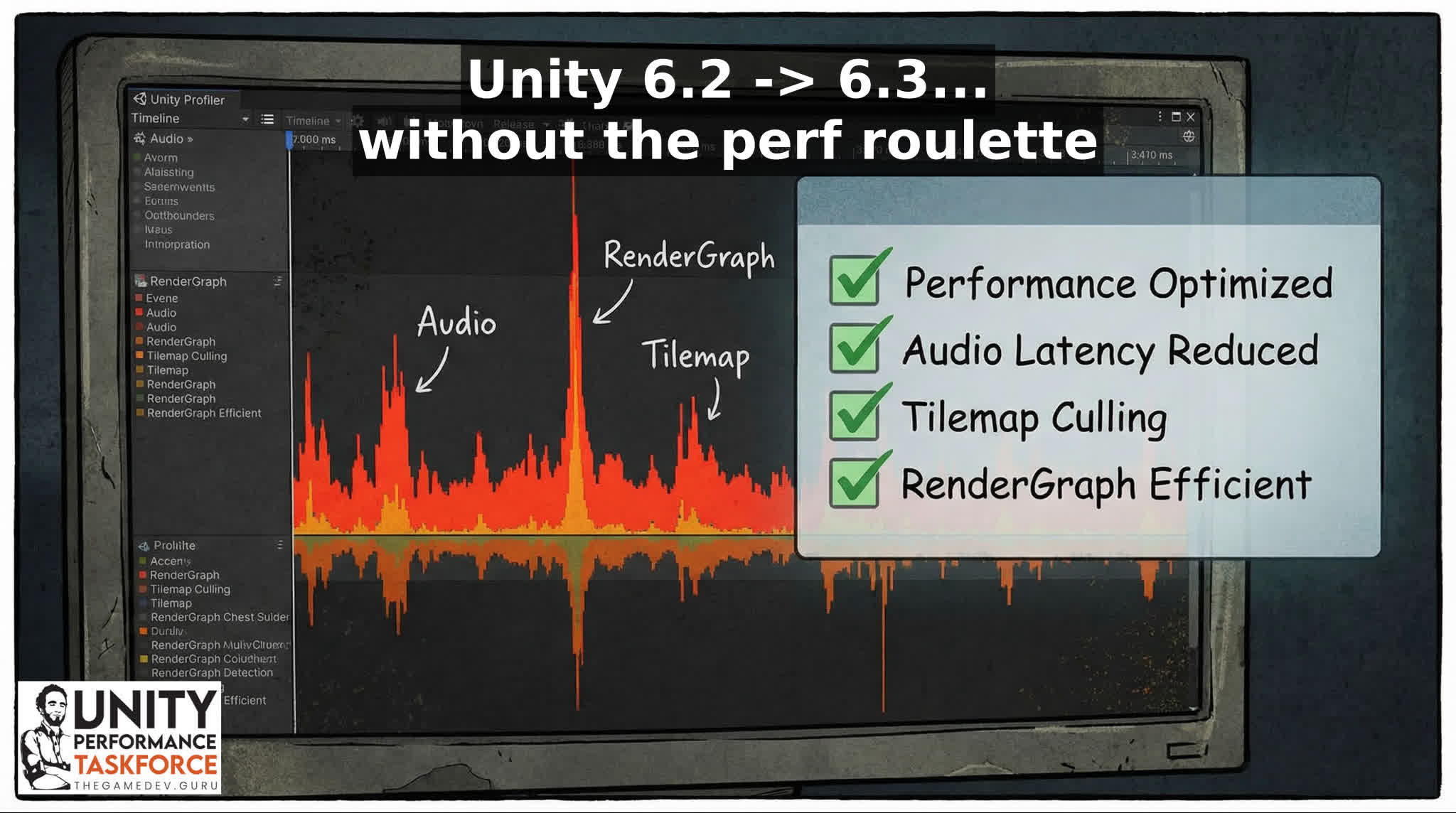
Your frame-time graph looks fine… until Tilemaps instantiate, audio spins up, or URP "records" the frame. That “one hitch” is why retention drops and reviews
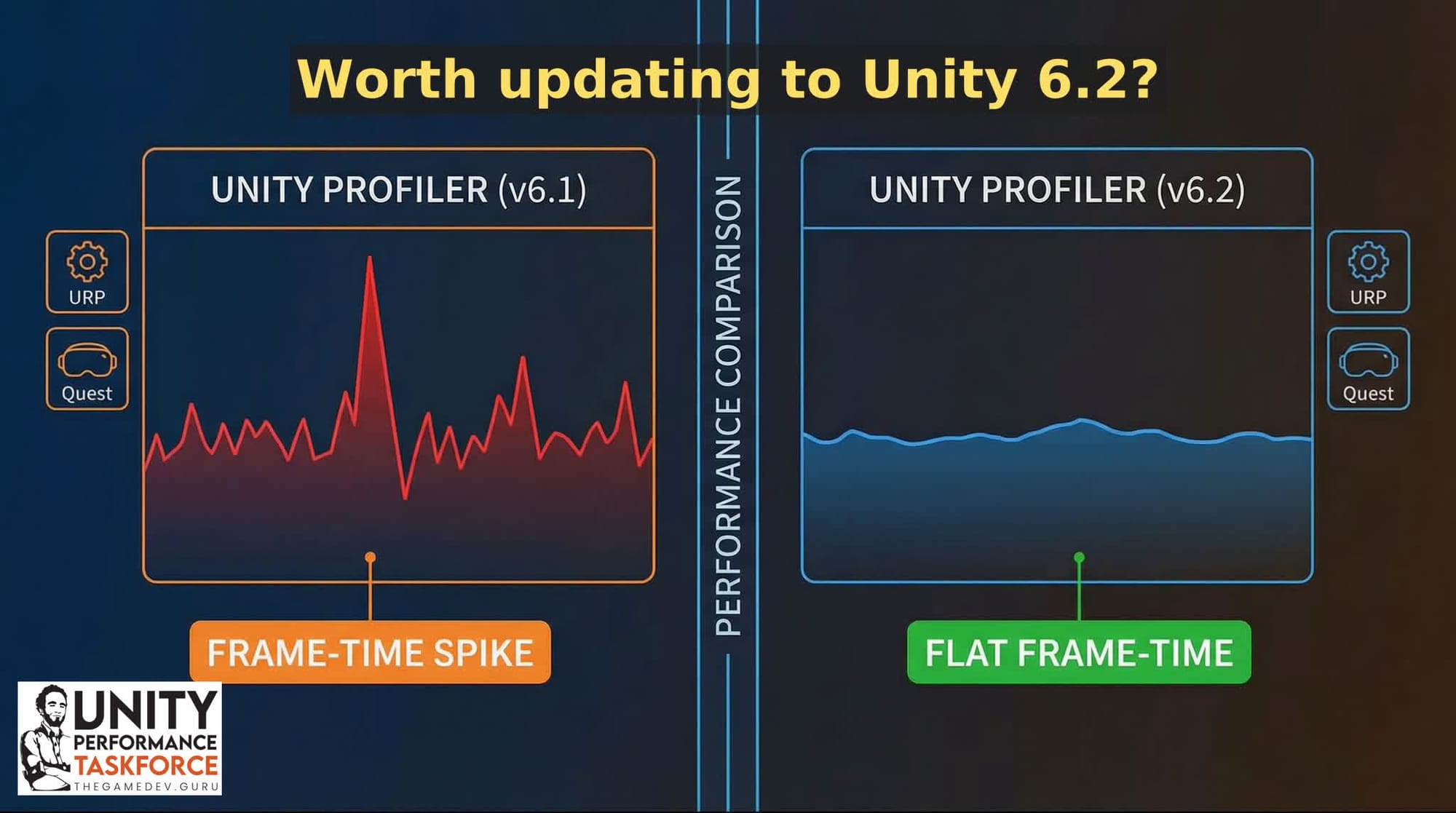
Unity 6.2 (6000.2) has a bunch of performance work that’s not just “micro-optimizations.” The big themes: * Fewer main-thread stalls during async loading * Meaningful

Learn how to reduce Unity draw calls and SetPasses with batching, material sharing, static batching, GPU instancing, and mesh combining.

Agentic Profiling: You hit Ctrl+7, record a capture, open the Profiler Timeline, and… your frame time graph still looks like a heart attack. Better ways to do this? Yeah, plenty!
The Few Groups You'll Ever Need: Mipmap & Culling Groups: Texture shimmer and off-screen simulation waste are two classic performance leaks that quietly stack into stutter. If you ignore both, you pay twice: GPU memory pressure plus CPU work the player never sees.
APV in Your Game? (Adaptative Probe Volumes): Learn when Adaptive Probe Volumes beat fragile manual probe workflows, how to switch them on in Unity 6, and the first debugger checks to catch bad probe coverage before it turns into lighting debt.
Know if you’re CPU‑ or GPU‑bound, see pipeline state changes, and separate work from wait before you touch a single shader.
Judge ‘feel’ with data. Percentiles reveal stutter risk; overlays connect numbers to on‑screen actions.
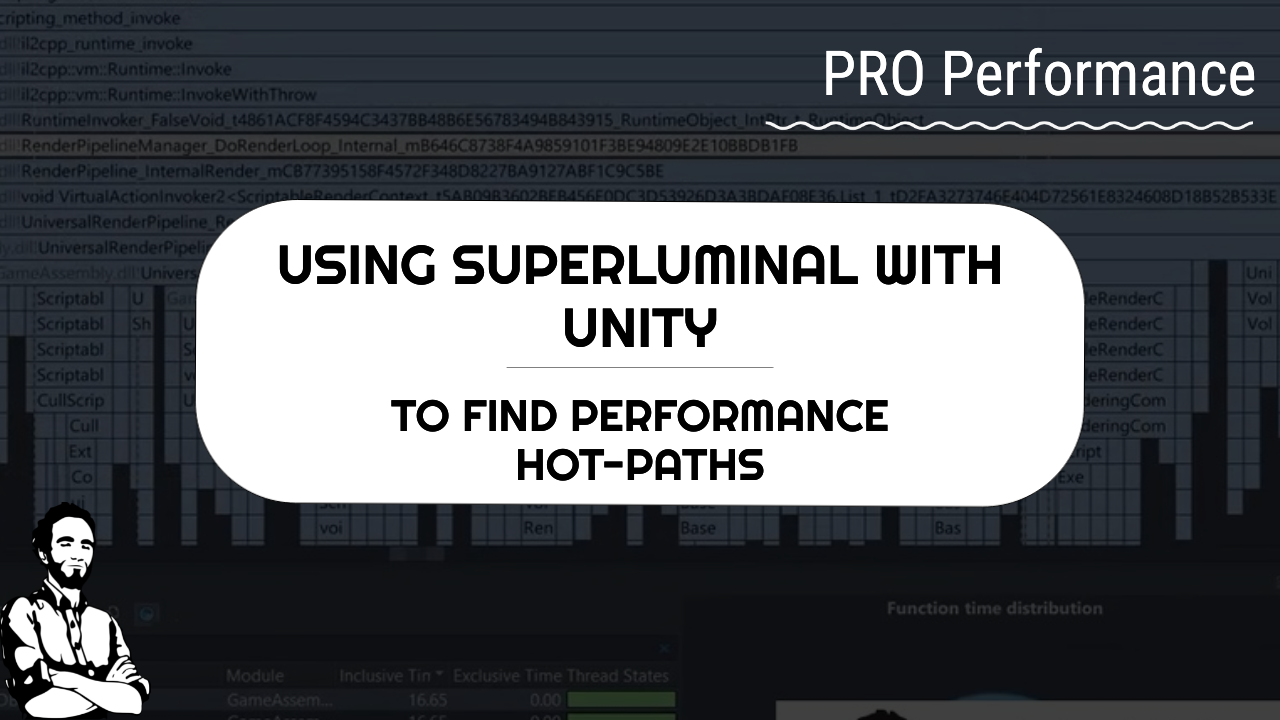
Sampling is only half the story, Superluminal makes it navigable. Filter by your scripts, expand the hot path, and act fast.
When the Editor profiler isn’t enough, sampling profilers expose engine and script hot paths from your actual build.